




INTEGRATIONS

Integrations Built For Mission-Critical Work

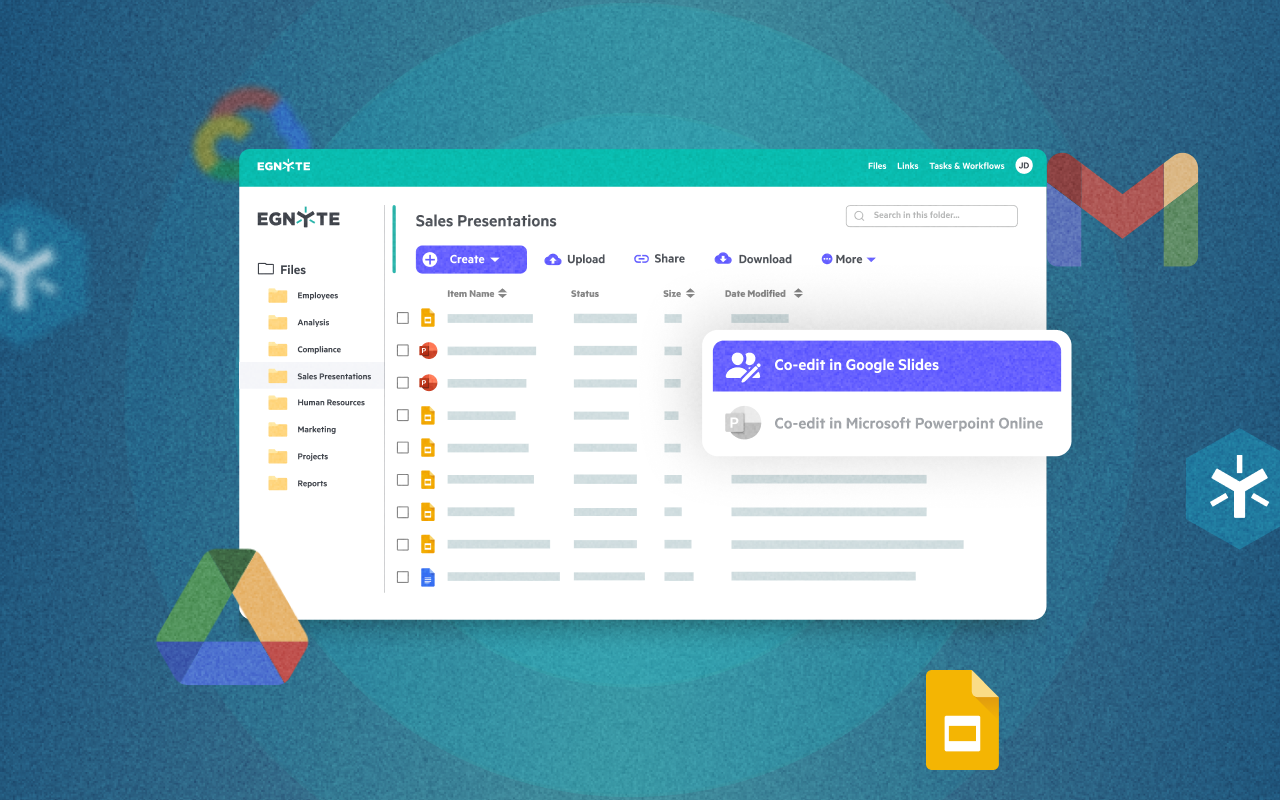
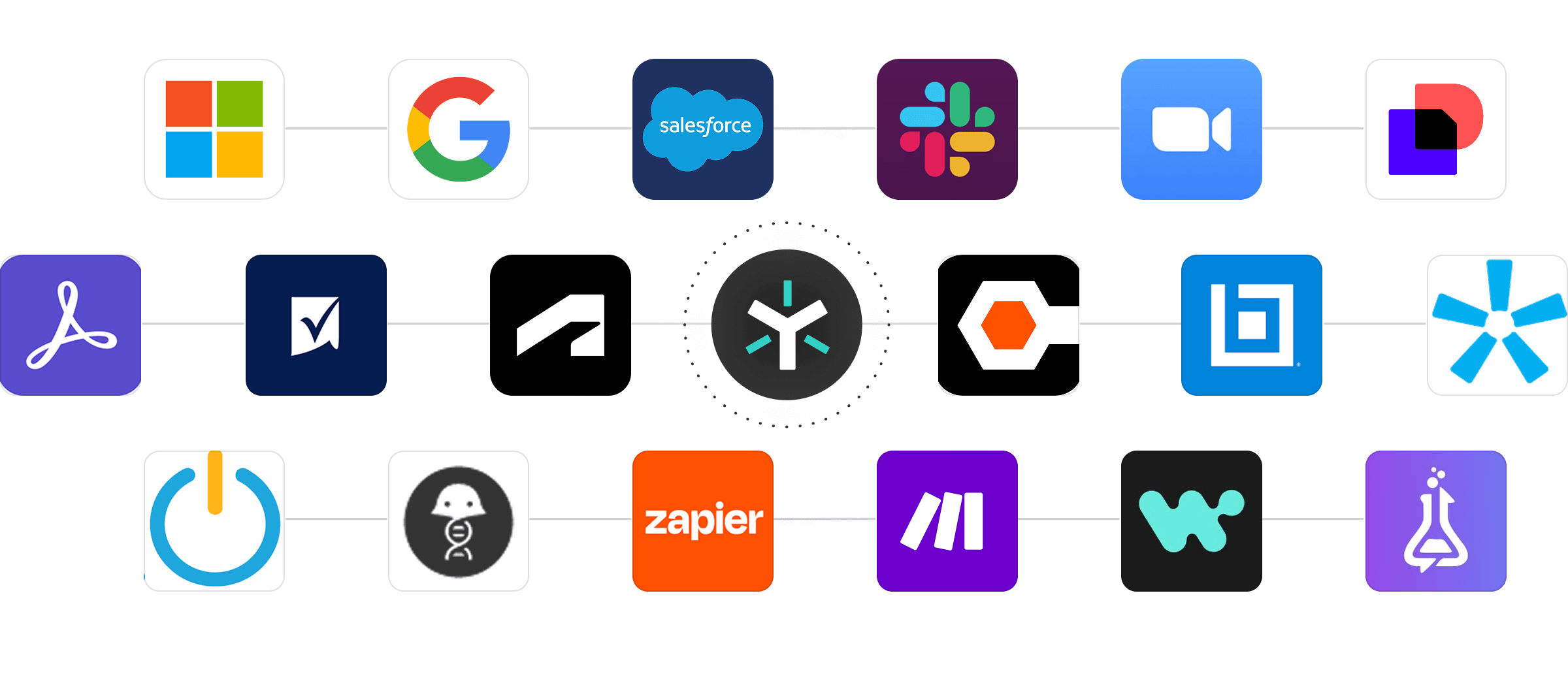
Connect Egnyte with the specialized applications that drive your business, from AutoCad to Adobe Creative Suite to financial modeling tools.

250+

Native Integrations

25+

Repository Connectors

75+

Industry Specific

Eliminate Generic File Sharing—Egnyte Integrates With The Apps That Matter

Integration Apps

Eliminate Generic File Sharing—Egnyte Integrates With The Apps That Matter

Integration Apps
Industry Specific

Industry-Specific Applications

Deep integrations for AECO, financial services, life sciences, and media services.


Application-aware workflows that understand complex file structures.

Workflow icon

Certified Desktop Apps

Seamless connection with Microsoft 365, Google Workspace, Salesforce and enterprise systems.


Unified governance across all your content repositories.

See Integrations In Action

Carson Group Centralizes Content Management For Stronger Collaboration And Governance

Challenge:

To keep up with new client and partner onboarding, Carson Group needs to be able to share documents efficiently and control access consistently. But without one unified file management platform, collaboration was limited and inflexible.

Solution:

After cycling through several platforms that didn’t hit the mark, Carson Group found Egnyte and, using the native integration and open API, connected it with the company’s CRM, Salesforce. “The Egnyte integration adds an Egnyte tab right on that household.

Result:

100%

Secure file sharing

for sensitive financial documents directly within Salesforce.
Taylor Geist

Taylor Geist

Business Systems Manager

Read Full Case Study
caron salesforce case study

Robins & Morton sees huge productivity gains through the integration of Egnyte and Procore

Challenge:

Managing 160 projects across 16 states, Director of Corporate and Operational Technology, David Pratt, is always looking to reduce inefficiencies for the architects, sub-contractors, and client representatives working on projects.

Solution:

By using Egnyte’s native platform integration with Procore, project teams now have a single source of content truth, to access, share and collaborate on key project documents, simplifying the experience for users and IT administration alike.

Result:

360°

Visualization

and faster decision-making through BIM caves and VR models.
David Pratt

David Pratt

Director of Corporate and Operational Technology

Read Full Case Study
Procob case study

CPPI Breaks Down Data Silos and Boosts Efficiency with Egnyte and Autodesk Construction Cloud

Challenge:

Like many growing construction firms, CPPI faced significant challenges with traditional on-premises file servers and disconnected systems. Brad Buckles, VP of Technology and Innovation, noted that their initial move to the cloud was driven by the need to address disaster recovery and find better tools for collaboration.

Solution:

The search for a comprehensive solution led CPPI to Egnyte, a partnership that began in 2014. After evaluating different solutions, CPPI selected Egnyte and has been a customer ever since. Moving their data to Egnyte's cloud addressed many of their initial problems.

Result:

100%

Reduction

in manual saving, moving, or emailing of documents.
Brad Buckles

Brad Buckles

VP of Technology and Innovation

Read Full Case Study
CPPI case study

Frequently Asked Questions

Have more questions? Check out our complete FAQs in the Help Desk, or contact Sales to get the answer you're looking for.

What is an AI copilot for document collaboration?

An AI copilot is an embedded assistant that helps summarize, query, and extract insights from shared files using conversational prompts/ instructions—enabling faster teamwork.

How does an AI copilot improve document workflows?

It provides quick summaries, highlights critical action items or policy terms, and answers questions without manual review—reducing meeting time and accelerating decisions.

Can an AI copilot understand file context and content?

Yes—by analyzing document metadata, structure, and content, copilots offer context-aware responses, identify missing information, and surface relevant sections.

What file formats can AI copilots support?

Copilots typically process Word, PDF, spreadsheet, presentation formats as well as unstructured content like images and AV files delivering insights directly within the collaboration interface.

How does an AI copilot support audit and compliance tasks?

It can analyze documents for compliance-related terms, clauses, or obligations, flag issues, and provide summaries that help prepare for audits.